Reports
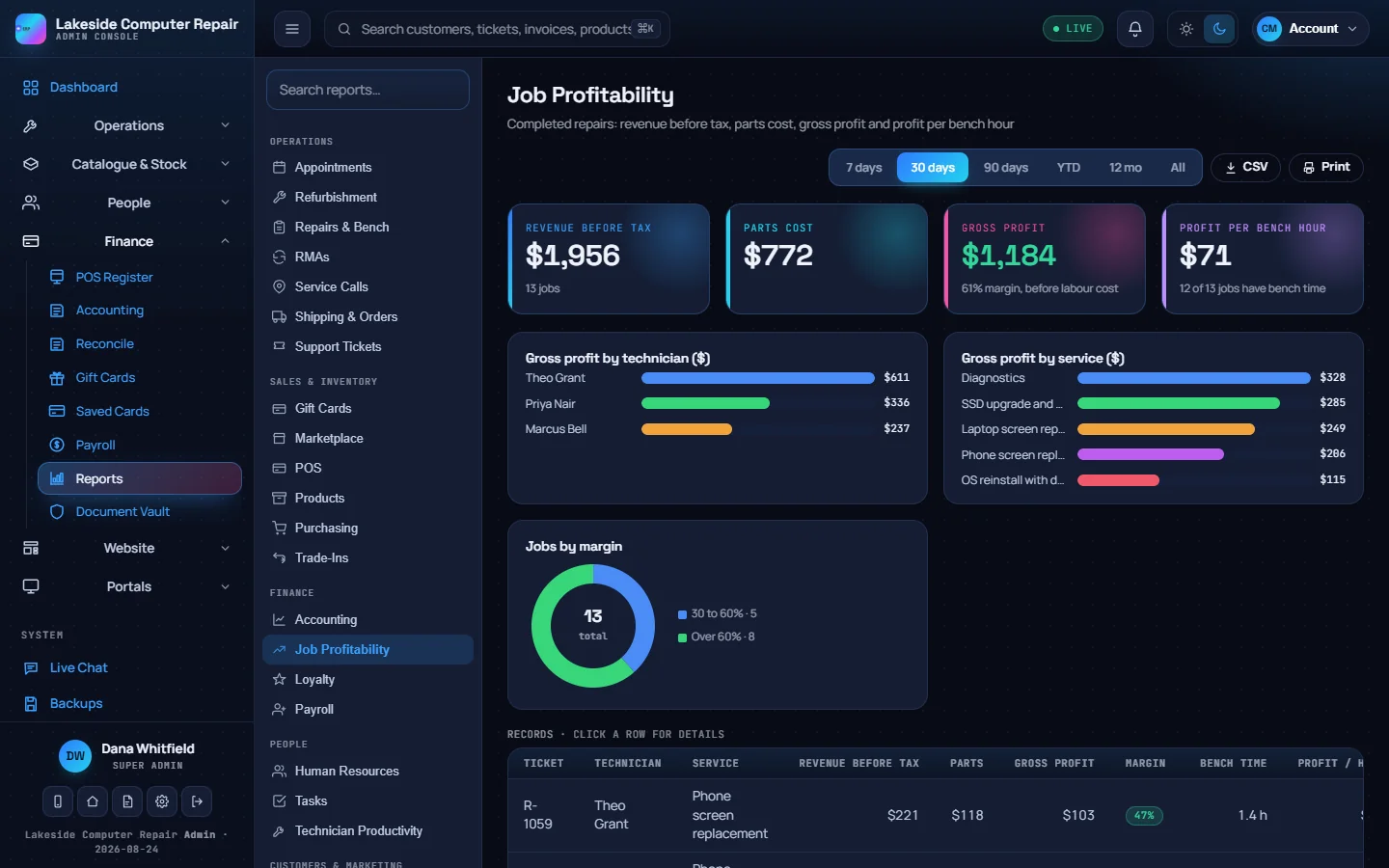
Reports (under Finance) is one console over every module. The list on the left groups reports into Operations, Sales & Inventory, Finance, People, Customers & Marketing and System. Pick one, or search for it by name.
Working a report
- Choose a report.
- Pick a date range: 7 days, 30 days, 90 days, year to date, 12 months or all time. The whole report updates.
- Read the counters and charts at the top, then the table of records below.
- Click a row for the full record.
- CSV exports the table with the date range in the file name. Print gives a clean printable page or PDF.
A report with nothing in the chosen range shows an empty state. Widen the range if you expected data.
Reports worth knowing
- Job profitability: completed repairs with revenue before tax, parts cost, gross profit, margin and profit per bench hour, by technician and by service. It needs parts costs and bench time recorded on tickets. See Repairs and the bench.
- Technician productivity: completed work per technician, including first-time fixes, judged from each ticket's stage history.
- Repairs & Bench, Service Calls, RMAs, Appointments and Support Tickets for operations.
- Products, Purchasing, Gift Cards, Marketplace and Trade-Ins for sales and stock.
- Payroll and Loyalty for finance and customers.
For full accounting exports, use the Export tab in Accounting.
Audit log
The audit log (under System, for administrators) is an append-only record of who viewed or changed customer and staff data, and when. See Security.
Dashboard
The admin dashboard shows today's sales against yesterday, open repair tickets, today's service calls, units in refurbishing, the revenue trend for today, 7 days, 30 days or the quarter, the repair queue, low stock and recent transactions. Export downloads the figures.