CVN ERP documentation
CVN ERP is business software for computer repair shops and small IT stores. You install it on your own server, put your own name on it, and run repairs, the counter, stock, the books, your staff and your website from one place.
These pages cover installing it, setting it up, using each module and keeping it up to date.
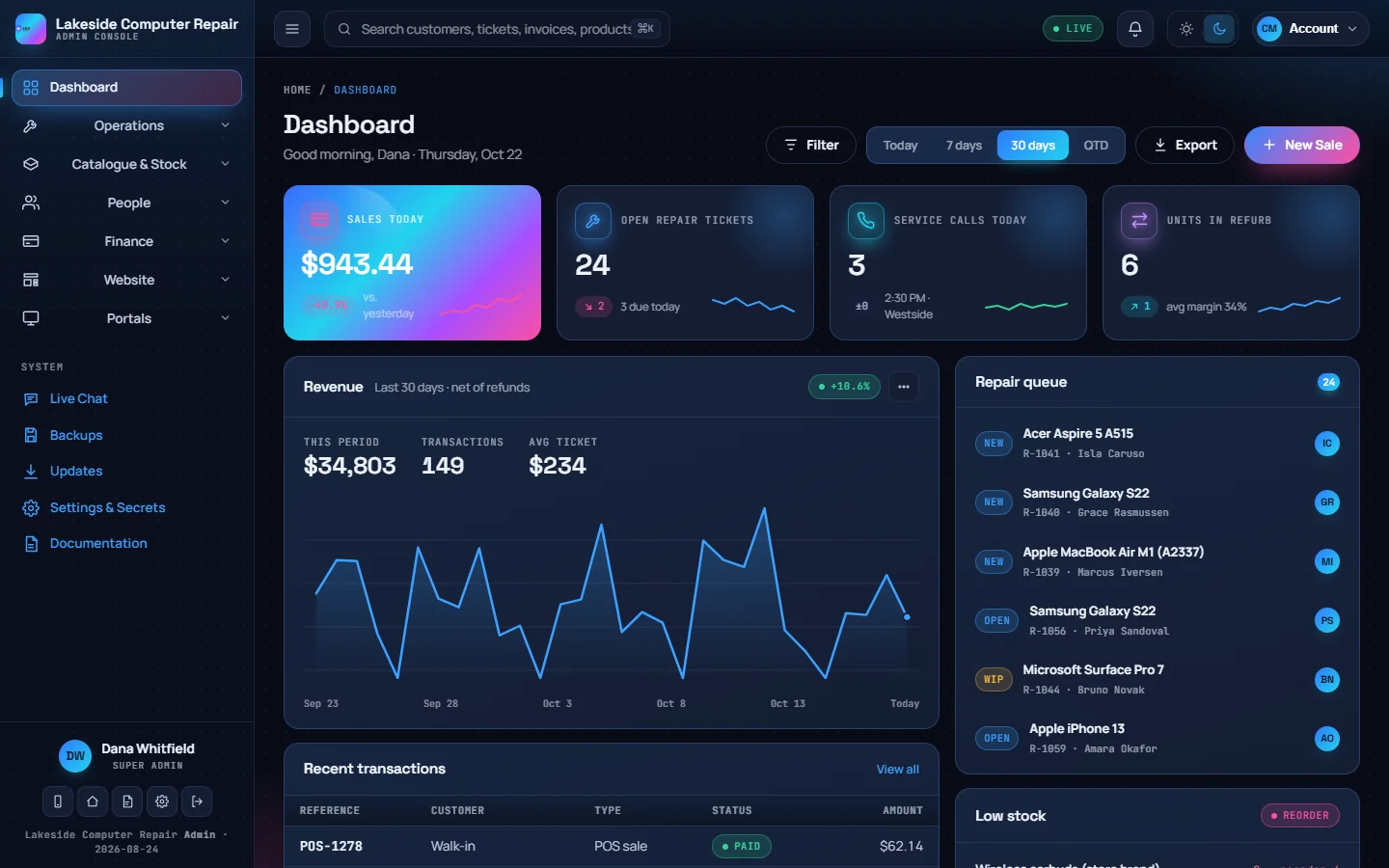
What is in the app
CVN ERP has several front doors, each with its own sign-in:
| Part | Who uses it | Where |
|---|---|---|
| Admin console | You and your staff | /admin/ on your domain |
| Website and online store | The public | The root of your domain |
| Repair tracker | A customer with a tracking link | A private link per repair, no sign-in |
| Client portal | Your customers | /clientportal |
| Employee portal | Your staff, for their own schedule, pay and time off | /portal |
All of them carry your business name and logo from one business profile.
Where to start
- Check the requirements.
- Run the installer.
- Follow First sign-in and setup to get from an empty install to your first repair ticket.
- Add the scheduled jobs and set up email before you invite customers.
How these docs are organised
- Getting started covers installing, configuring and maintaining the server.
- Repairs and service, Selling and stock, Customers, Money and People have one page per module, written for the people who use it every day.
- Website covers your public site, online store, printed documents and the client portal.
- Administration covers users, settings and security.
- Integrations covers payments, the REST API and the optional connectors.
- Licensing explains how your licence, domains and update year work.
Each page has an "Edit or report a problem" link at the bottom if something is wrong or missing.