Staff and HR
Human Resources (under People) runs your team: who works for you, when they work, what they are paid and what they need to know. Its menus are Employees, Hiring, Time & Attendance, Pay & Benefits, Assets & Records and Culture & Support.
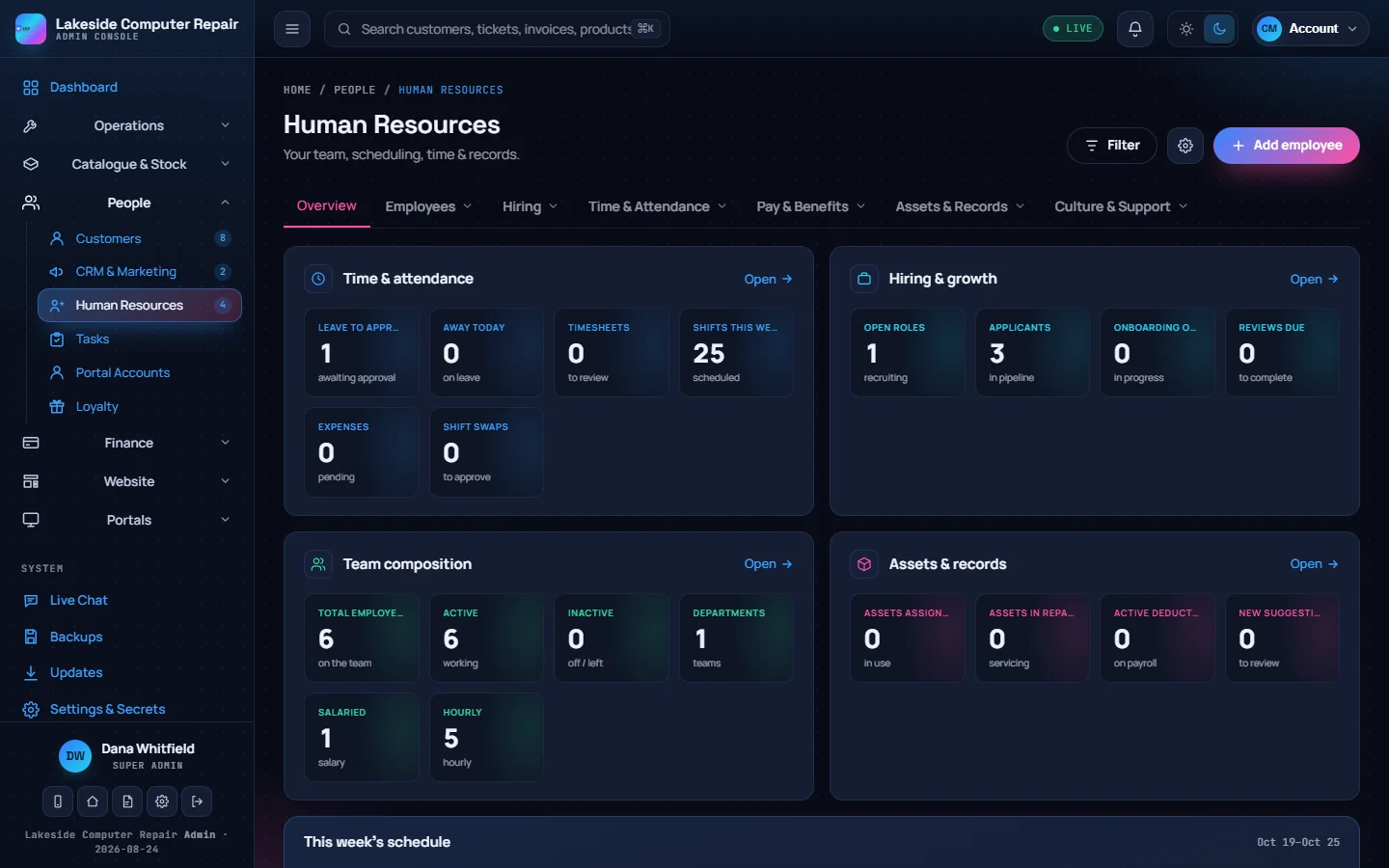
Employees
- People shows the directory, an org chart built from each person's manager, and departments with a head and member count.
- Add employee creates a person with their job title, department, manager, contact details and pay details (pay type, rate, hours, pay frequency, vacation pay and TD1 amounts), plus an employee-portal password if they should sign in there.
- Roles sets what each role can do in the admin console. See Users, roles and permissions.
- Performance holds reviews with ratings.
Hiring
- Recruitment: open positions and a candidate board you drag from applied to hired.
- Onboarding & Offboarding: checklists from templates you build once, with due dates. A new hire appears here when marked hired.
- Training: courses delivered in the employee portal (acknowledge or quiz), by link or recorded as external. Mark a course required and give it a renewal period for things like WHMIS. Quizzes are marked on the server, so the answers never reach the employee's browser. A dashboard shows overall compliance and what is expiring or overdue.
Time and attendance
- Schedule: a weekly rota. Add a shift with start, end, break, position and employee; a shift with nobody assigned shows as open.
- Timesheets: hours submitted from the employee portal arrive to approve or reject.
- Swaps: shift swaps posted by staff, for you to approve or decline.
- Time Off: requests from the employee portal, who is away today, upcoming leave and yearly balances by leave type.
Default leave entitlements follow Ontario Employment Standards minimums (vacation 10 days, sick 5, personal and family 3, bereavement 2). Change them to match your own policy and contracts.
Pay and benefits
Benefits plans and enrolment, recurring and one-off deductions, pay advances repaid through payroll, and expense claims with the recoverable HST tracked separately. These feed Payroll; none of them moves money by itself.
Assets and records
Company equipment with assignment history, maintenance and warranty dates; a documents library with acknowledgements; the company handbook; and an internal knowledge base with comments you moderate.
Culture and support
Announcements shown as a banner across the admin console, portals and website; company events; perks; recognition with an employee of the month and peer kudos; and a suggestion box whose ideas can become tasks.
Tasks
Tasks (under People) assigns work with a priority, due date and status, linked to a repair, ticket or customer if you like. Each task keeps a time log and notes. Templates can repeat on a schedule, such as a daily opening checklist. Staff work their tasks from the employee portal.